Reset your password. How to recover your account?
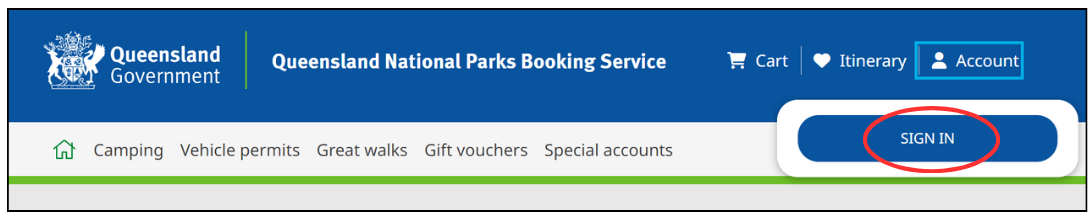
Go to qld.gov.au/camping and click on ‘account’ and ‘sign in’ on the landing page.
1. Click ‘forgot your password’.

2. Enter your username (email address) and click ‘reset my password’. An email with a system-generated verification code will be sent to your nominated email. Check your Junk/Spam folder if the email hasn’t arrived in your inbox.

3. Enter verification code from your email. Note: manually type in your verification code to avoid hidden spaces.
4. Create a new password. Your password must be 8 characters or more (with uppercase, lowercase, numbers and special characters). Confirm new password by re-entering in ‘enter new password again’ field. Click ‘change password’.
